
cursor免费使用教程

介绍
现在Cursor存在一个Bug,能够使用户不花错,不开会员,就能使用它很厉害的模型;
打开cursor
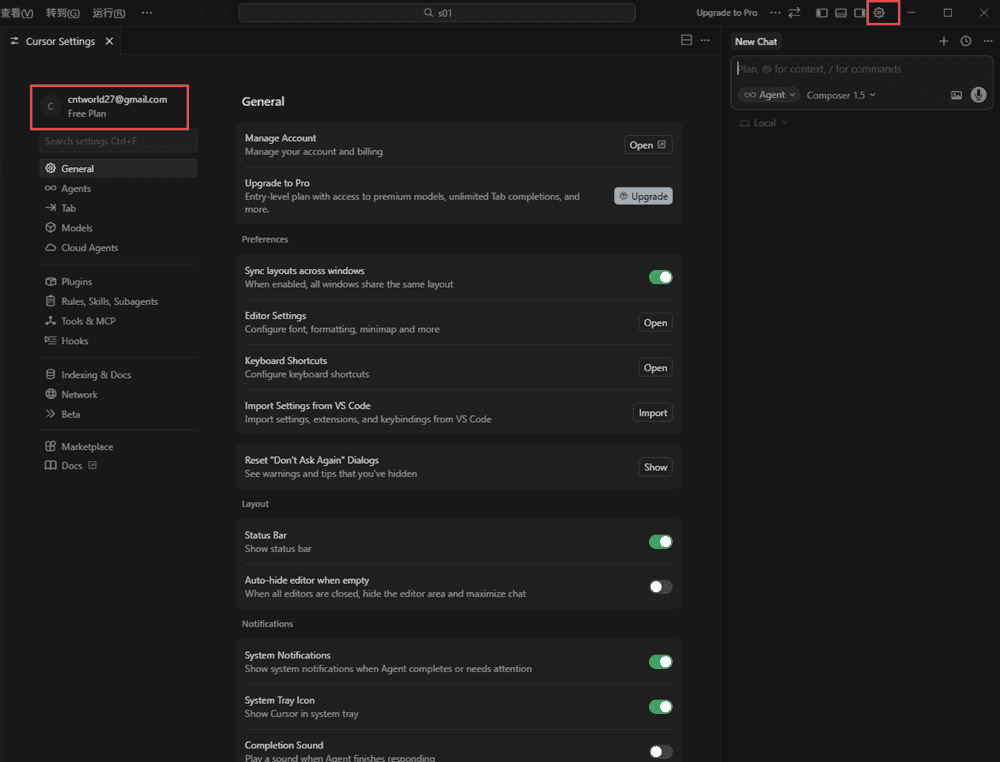
打开cursor软件—–点击设置——点击底部的Log Out退出当前用户。
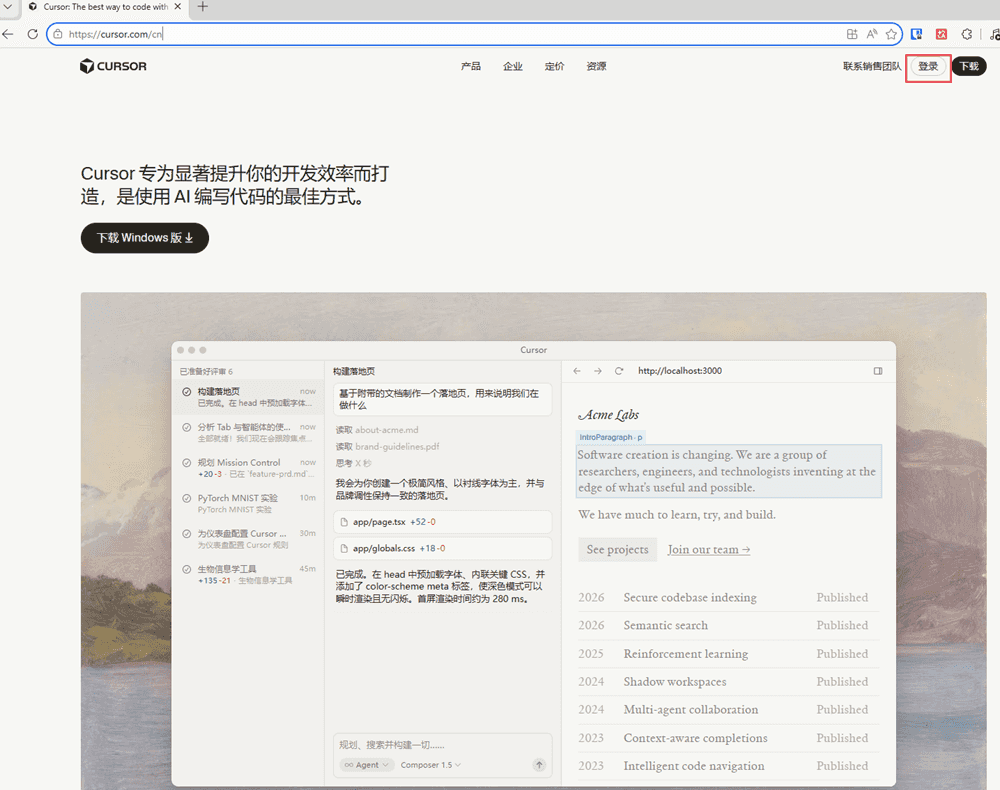
打开Cursor官网
打开cursor官网进行登录;
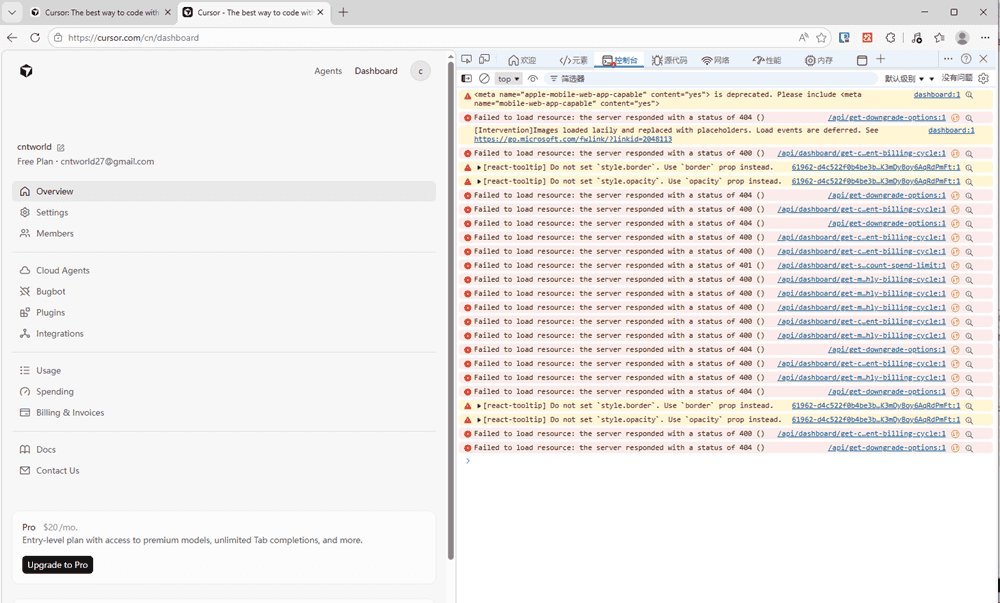
登录以后按键盘上的F12键,再点击控制台;
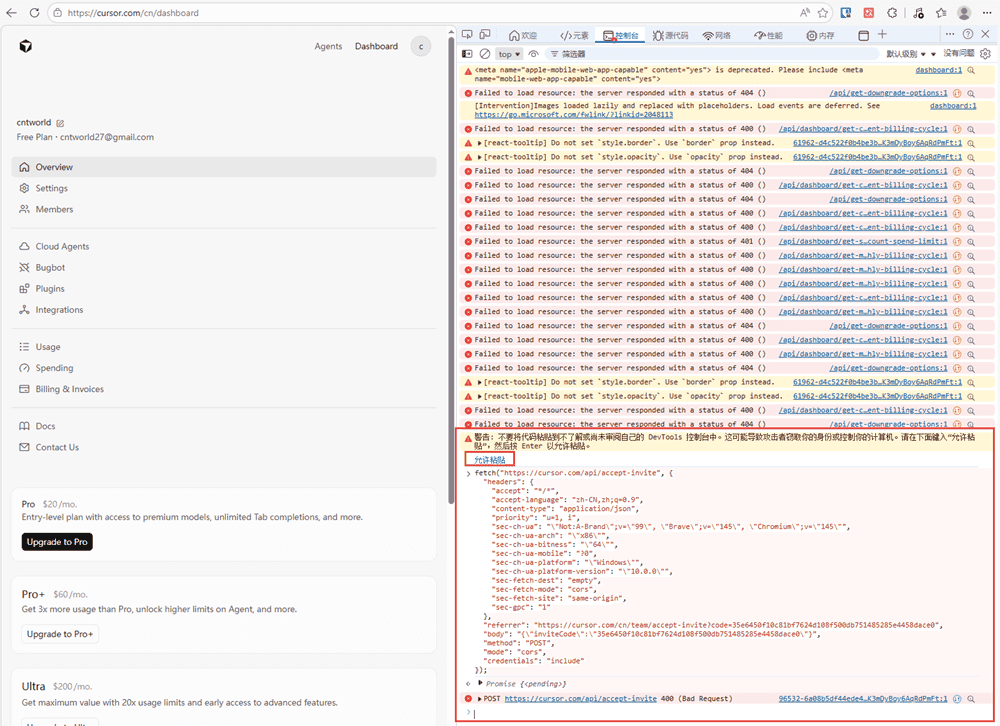
然后将以下代码粘贴到控制台处;
fetch("https://cursor.com/api/accept-invite", {
  "headers": {
    "accept": "*/*",
    "accept-language": "zh-CN,zh;q=0.9",
    "content-type": "application/json",
    "priority": "u=1, i",
    "sec-ch-ua": "\"Not:A-Brand\";v=\"99\", \"Brave\";v=\"145\", \"Chromium\";v=\"145\"",
    "sec-ch-ua-arch": "\"x86\"",
    "sec-ch-ua-bitness": "\"64\"",
    "sec-ch-ua-mobile": "?0",
    "sec-ch-ua-platform": "\"Windows\"",
    "sec-ch-ua-platform-version": "\"10.0.0\"",
    "sec-fetch-dest": "empty",
    "sec-fetch-mode": "cors",
    "sec-fetch-site": "same-origin",
    "sec-gpc": "1"
  },
  "referrer": "https://cursor.com/cn/team/accept-invite?code=35e6450f10c81bf7624d108f500db751485285e4458dace0",
  "body": "{\"inviteCode\":\"35e6450f10c81bf7624d108f500db751485285e4458dace0\"}",
  "method": "POST",
  "mode": "cors",
  "credentials": "include"
});
如果粘贴不上,在控制台的命令行处输入允许粘贴,再粘贴就可以了,然后再次按一次回车。
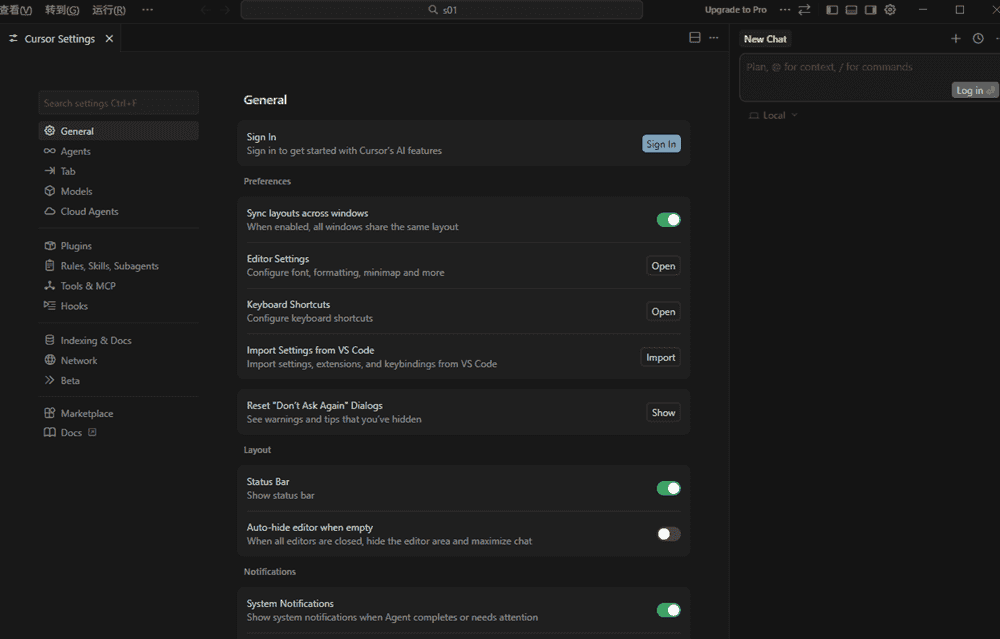
进入cursor的设置页面,再次登录
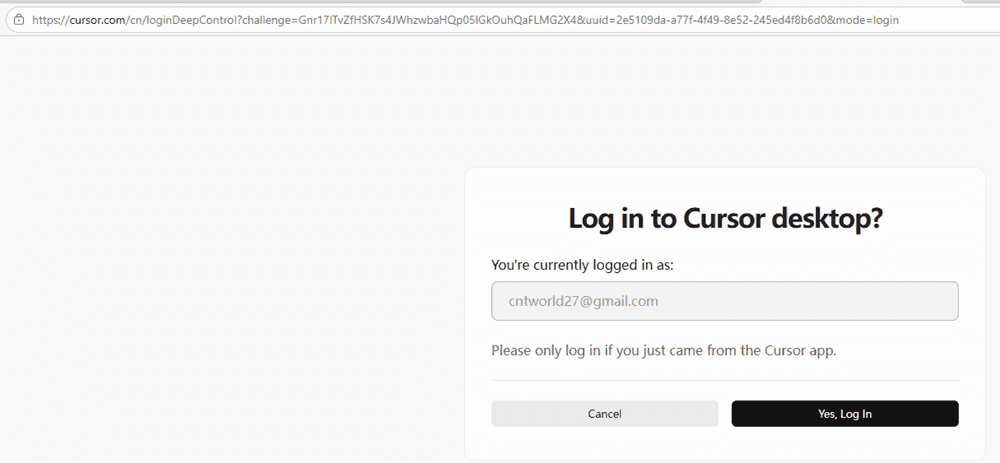
点击yes log in
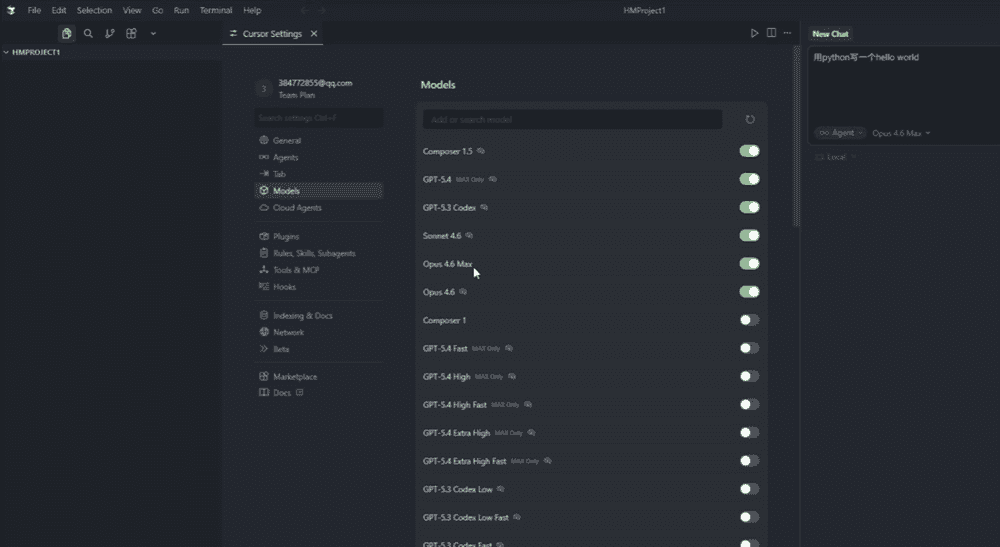
此时就可以免费使用各个模型了。
如果将其接入到大模型可以参考


